RECORD NATURAL VIDEOS
WITHOUT MEMORIZING SCRIPTS
Finally sound like yourself on camera using a simple 4‑step system and 100% free tools. No re‑recording, no robotic delivery, no expensive gear.
Perfect for course creators, coaches and service‑based business owners who feel stiff or awkward on camera but know video would grow their audience and sales.
What You’ll Be Able To Do After Reading
Follow a 4‑step recording system that removes the mental load before you hit record.
Use AI to turn any idea into a clear, conversational outline in under 5 minutes.
Translate stiff AI scripts into your own words so you never sound like a robot.
Record with a voice‑activated teleprompter so you stop rushing and chasing the text.
Use the 60‑second checklist before every video so you can hit record without overthinking.
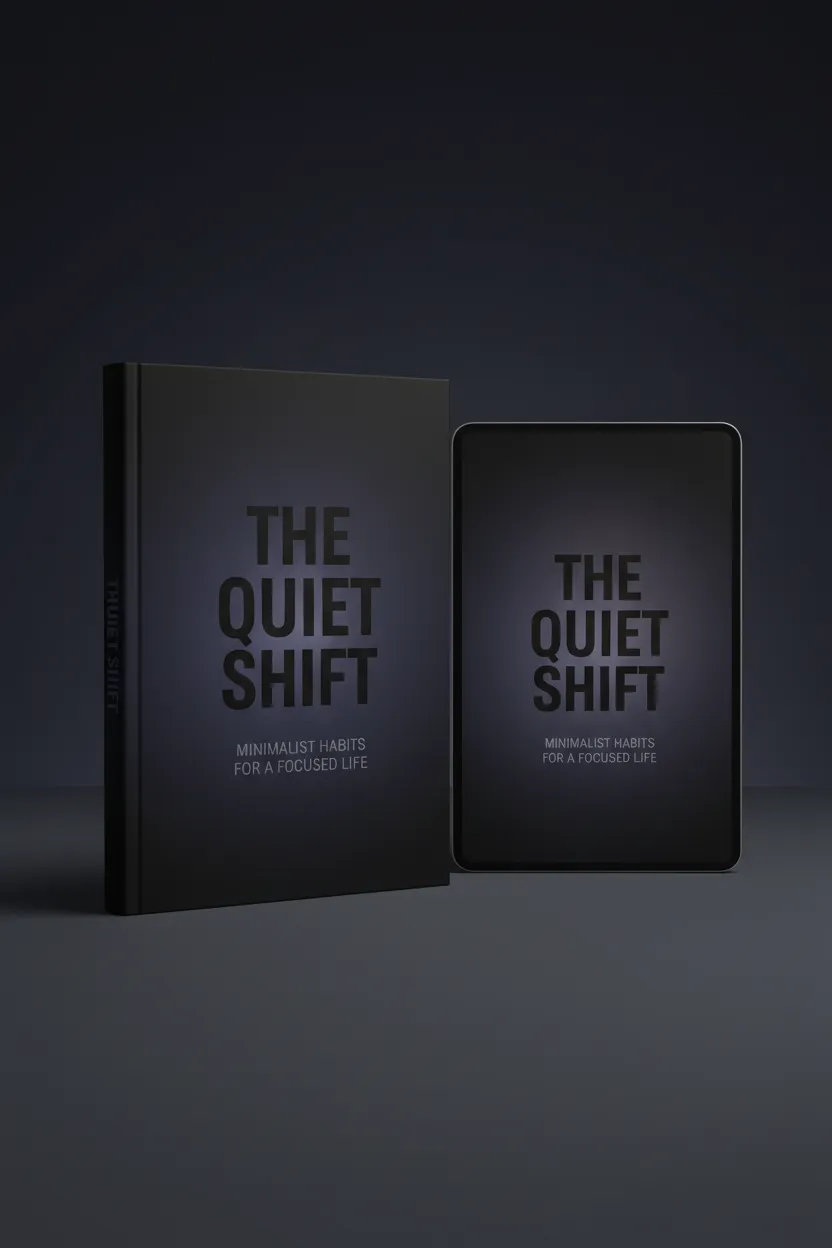
What's Inside (Detailed)
Get a clear, step‑by‑step blueprint that takes you from “I hate video” to publishing natural content in days, not months. Each chapter removes a decision so recording feels lighter.
Zero‑Guess Setup:
How to get pro‑looking video with just your phone, basic lighting and simple framing.
The 4‑Step “Friction‑Killer” System:
Decide, generate, translate and record so you stop winging it or memorizing lines.
AI Script‑Outline Prompts:
Copy‑paste prompts you can drop into any AI tool to get short, say‑able outlines.
Translate, Don’t Recite:
The SpeechNotes method that turns stiff text into natural, spoken language.
No‑Pressure Teleprompter Setup:
Use a free, voice‑activated teleprompter so the text moves with you, not against you.
The 60‑Second Pre‑Recording Checklist:
A repeatable routine so you can hit record without second‑guessing.
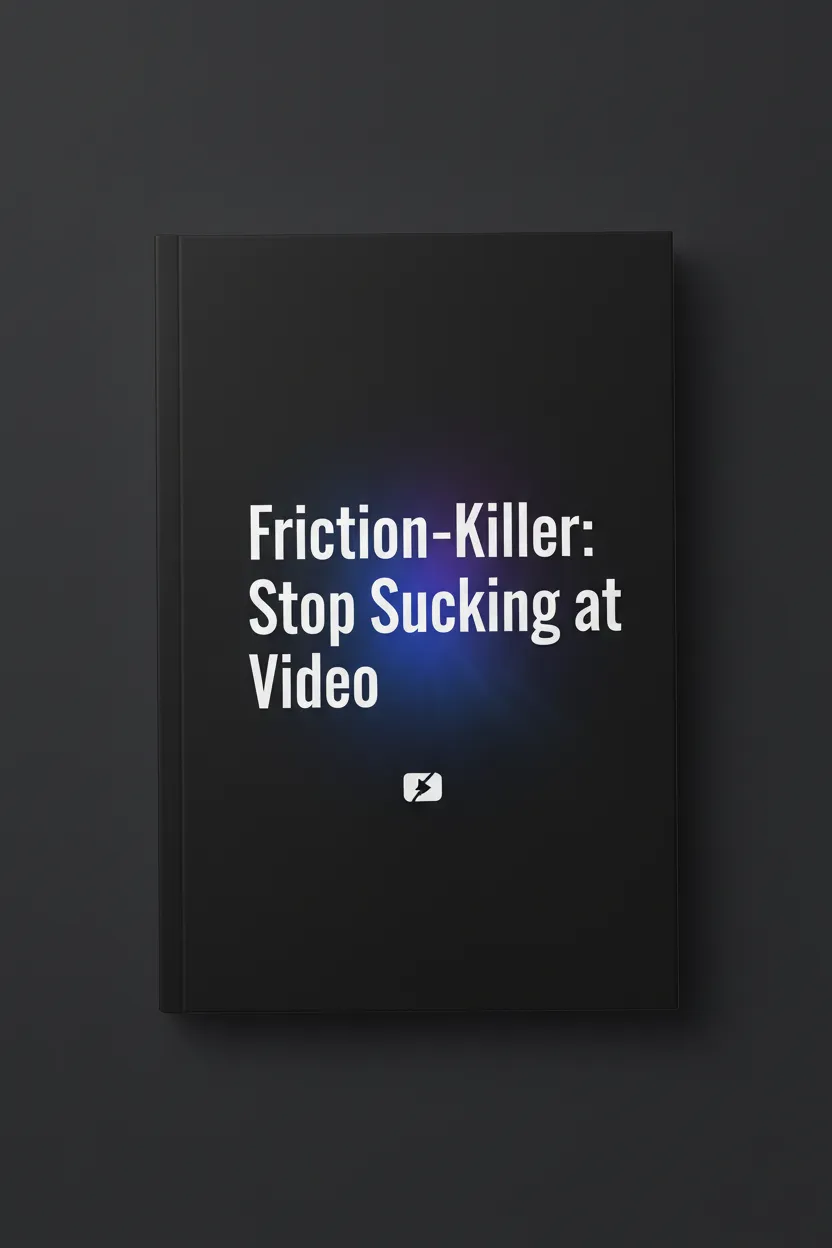
Inside: The 4‑Step Friction‑Killer System
This is the exact process from the ebook that moves you from “performing” to simply talking to one person through the lens.
=
60‑Second Recording Checklist
Run through this checklist and you’ll be ready to record—in under a minute, every time.
Step 1 – Decide: Lock in one clear idea so you never freeze when you hit record.
Step 2 – Generate: Turn that idea into a simple, say‑able outline in a few minutes.
Step 3 – Translate: Make the words sound like you, not like a stiff AI script.
Step 4 – Record: Use a no‑pressure setup so you can record in one clean take.
Who this is for
This is for you if:
You keep re‑recording because you hate how you sound on camera.
You freeze or ramble when you hit record and don’t know what to say.
You want a simple, repeatable process that uses free tools you already have.
This is not for you if:
You’re already confidently publishing videos several times a week.
You’re looking for advanced editing tricks and flashy effects instead of natural delivery.